1
2
3
4
5

seller hub
by
Seller Hub is designed so sellers and brands can operate directly on Blinkit, without needing external agents, giving more control and potentially better margins.
Full control
Flexible and transparent
Access to a large customer base
Promotions & analytics
Scale faster

Make an account
On boarding
Create a product
Select a dark store cluster and launch
Pay ₹25,000
Create & Schedule Order
Send Recommended
Order to warehouse
Track performance
Product expansion across cities
Payment collection
Sign up
Catalog & Pricing
Inventory
Performance
Billing

Journey

As the platform matured, sellers needed faster access to business health, inventory risks, and growth levers.
Needs to be evolve from instructional flow into an operational dashboard that supports daily decision-making.
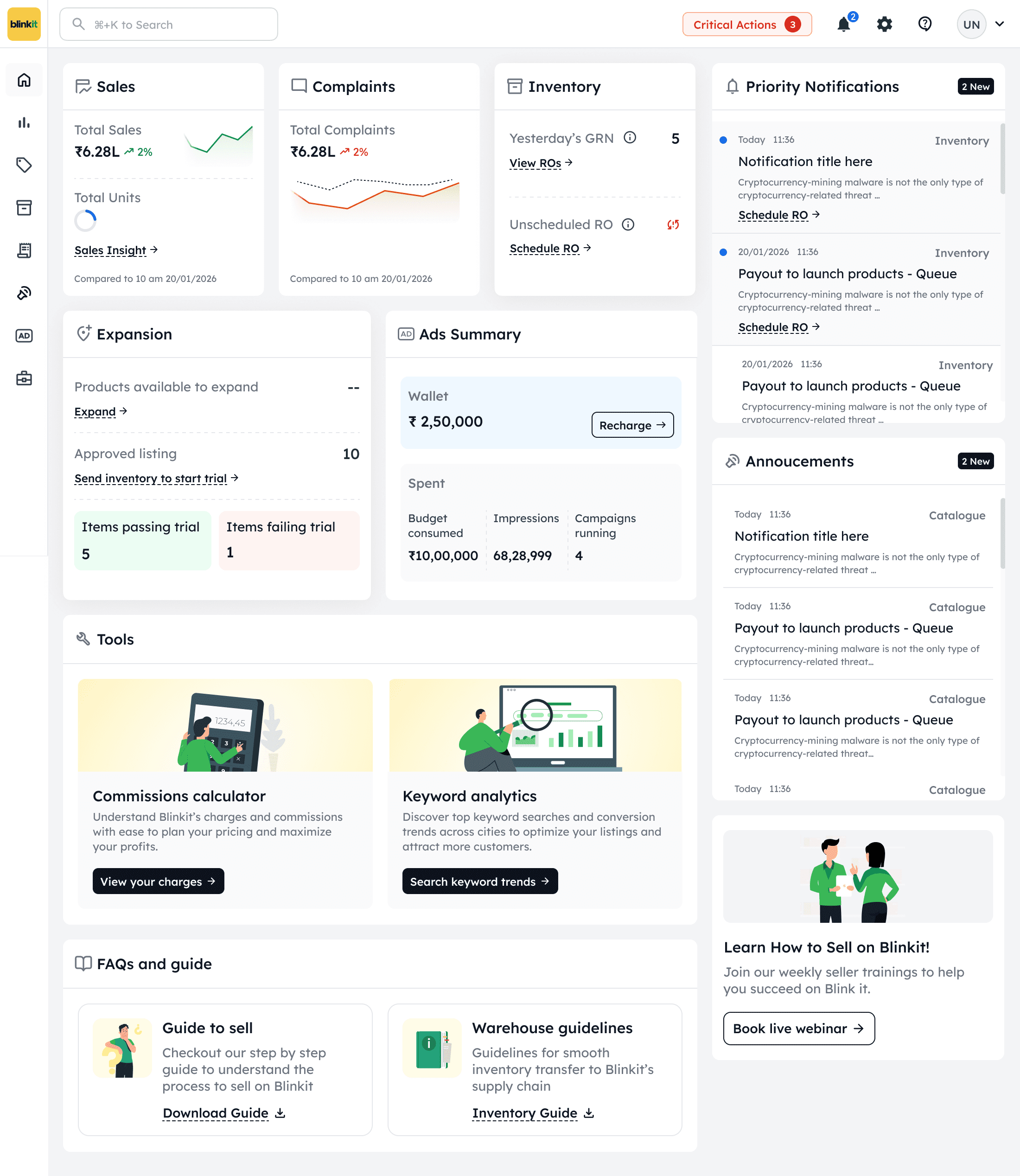
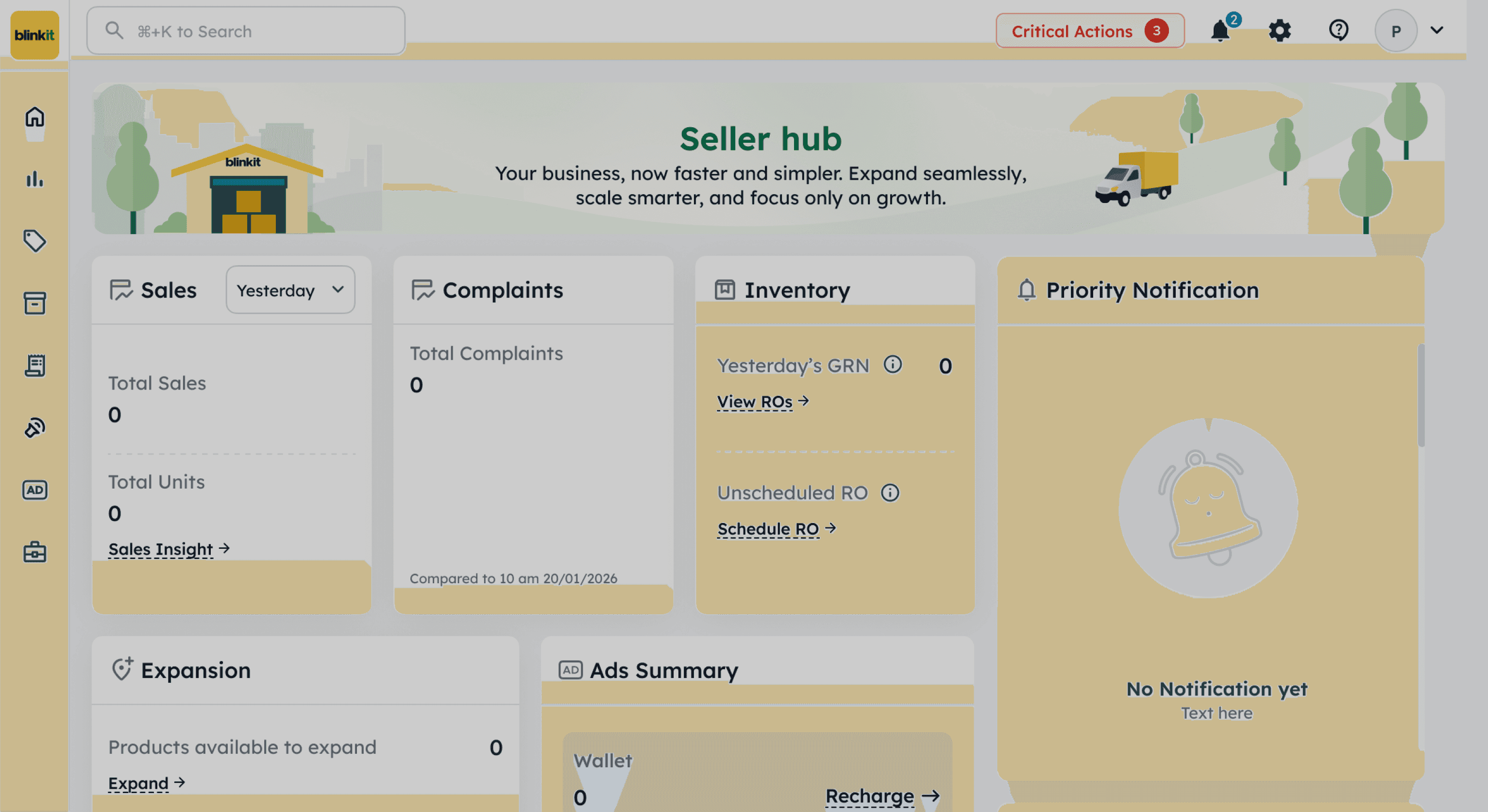
Contextual CTAs in cards
Onboarding:
as an assistance
For urgent actions related to Business
(Modal opens everyday)
Introduced settings; clubbed tabs and pages
For daily important operational actions
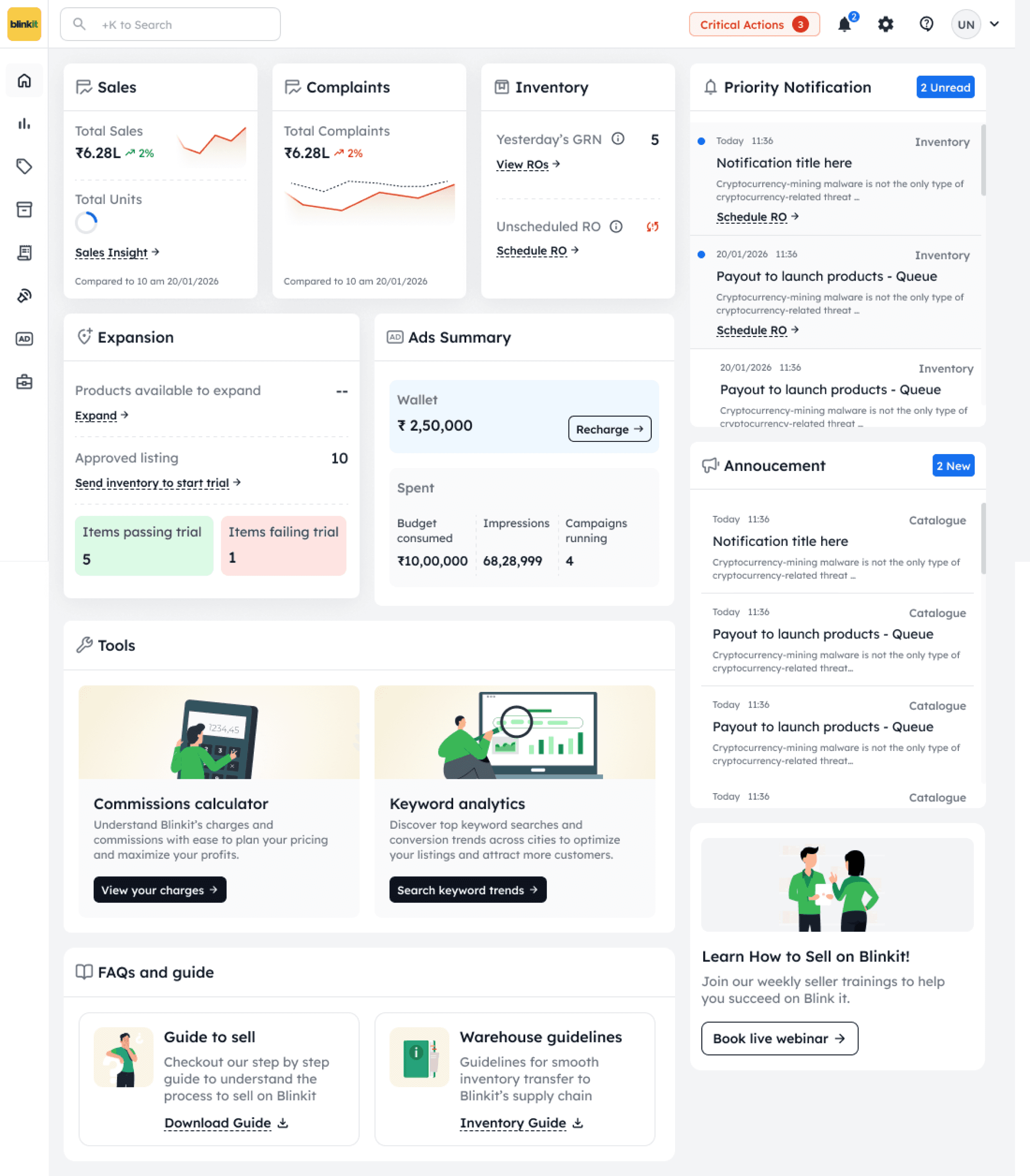
Visual prioritization of seller’s daily question through card hierarchy
Sales & Complaints cards at top: Business health
Inventory with GRN & ROs: Operational readiness
Expansion & Ads:
Growth levers
Reduced instructional & visual noise
Cleaner UI through purposeful use of color
Supports long operational sessions without fatigue
Home page
Right-Rail for Urgency & Interruptions
Right-Rail for Urgency & Interruptions
Business Impact
Reduction in Missed inventory actions.
Increased Visibility of operational risks before escalation
Increased Adoption of Ads & Wallet features
Encouraging Expansion trial participation
Increased Seller engagement frequency with dashboard
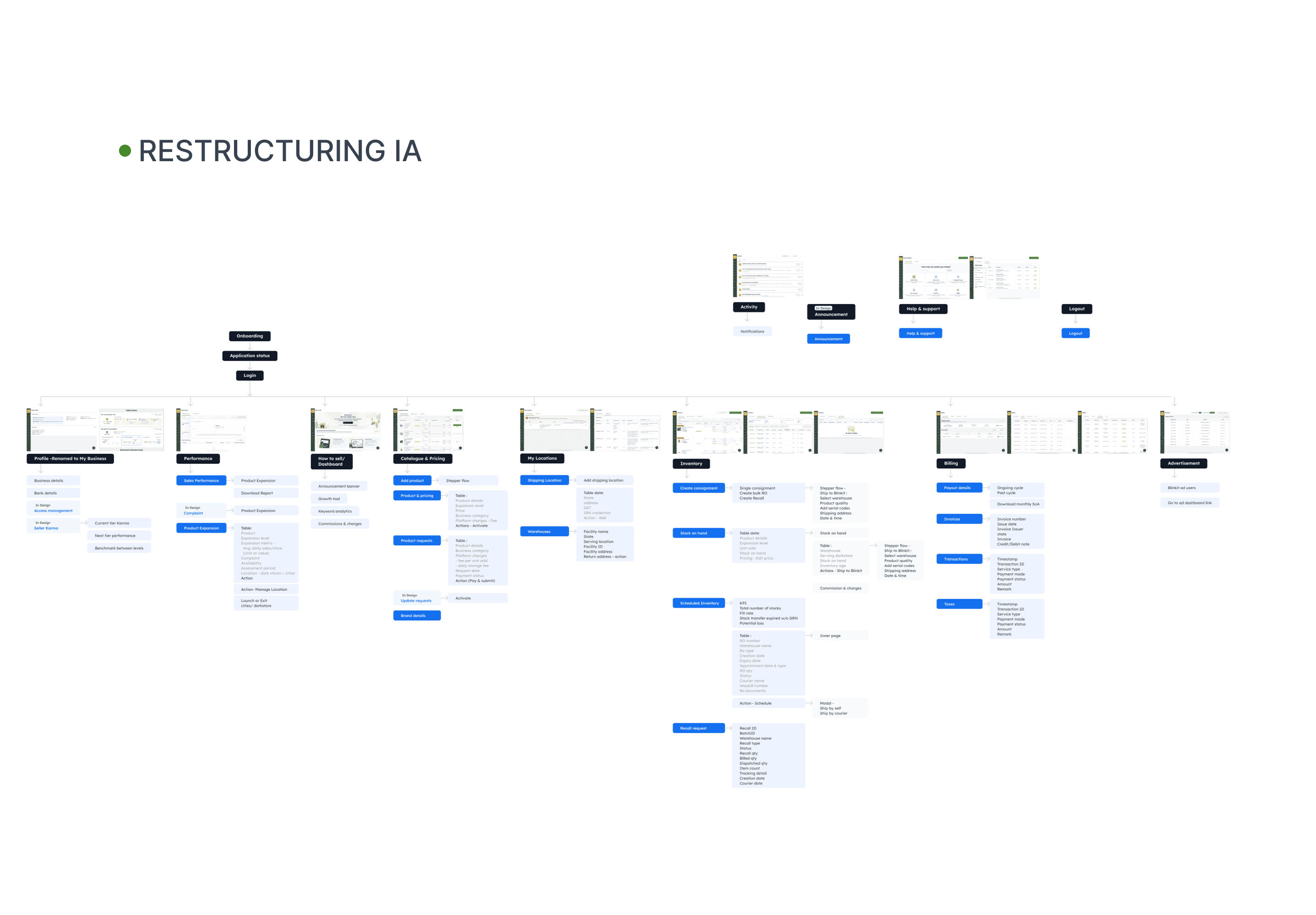
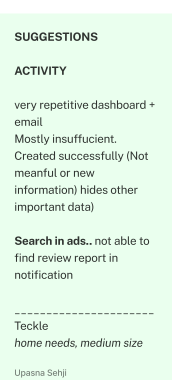
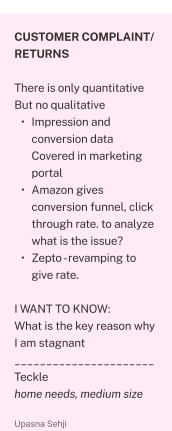
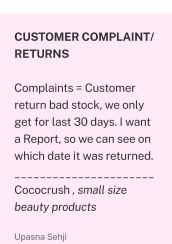
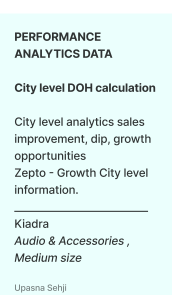
Complaint’s Tab
Recommended Order
Inventory management
Growth suggestions
Growth visibility
How is my business performing?
What can I improve?
What needs my attention?
Detailed report & data analysis
Return reasons
Complaint’s analysis
Missed
Communication
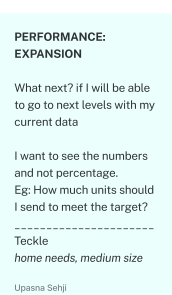
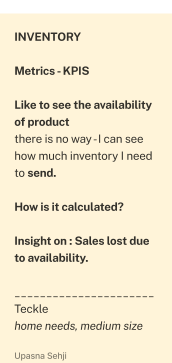
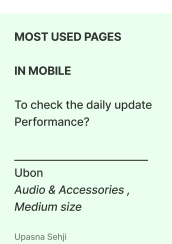
Research
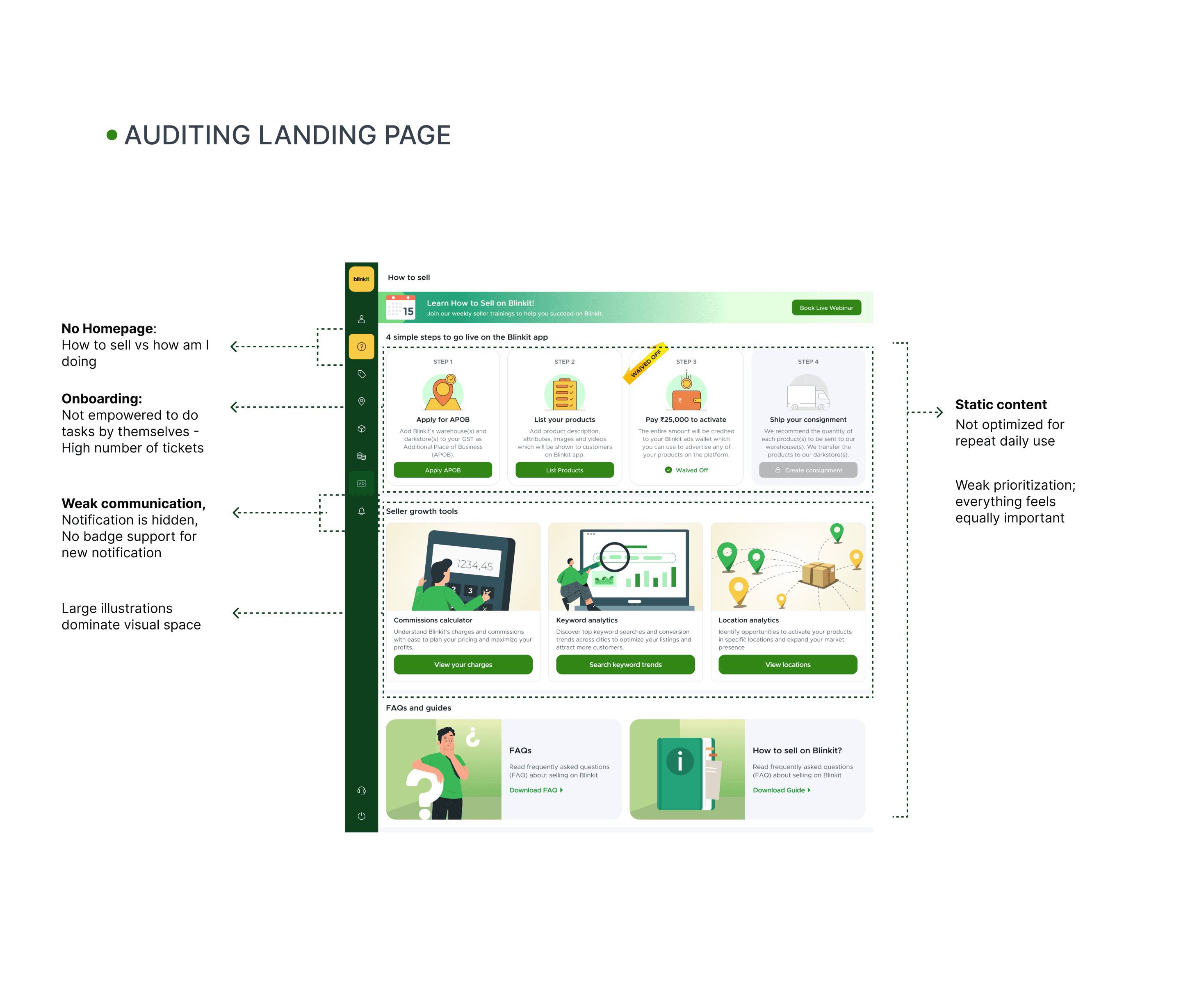
Business health
Growth & monetisation
Tools
Alerts
Communication
Support & learning
Learning
What needs my attention?
How is my business performing?
What can I improve?
How can we build communication system to build trust & transparency with sellers?
GUIDING QUESTIONS
How should we make seller feel assisted throughout their sellerhub journey?
How can we help them grow their buisness?
Solution
Home page
Moving product from helping sellers sell to helping them succeed at scale.
The UX evolves alongside the business model, which is critical for long-term platform growth.
Notifications
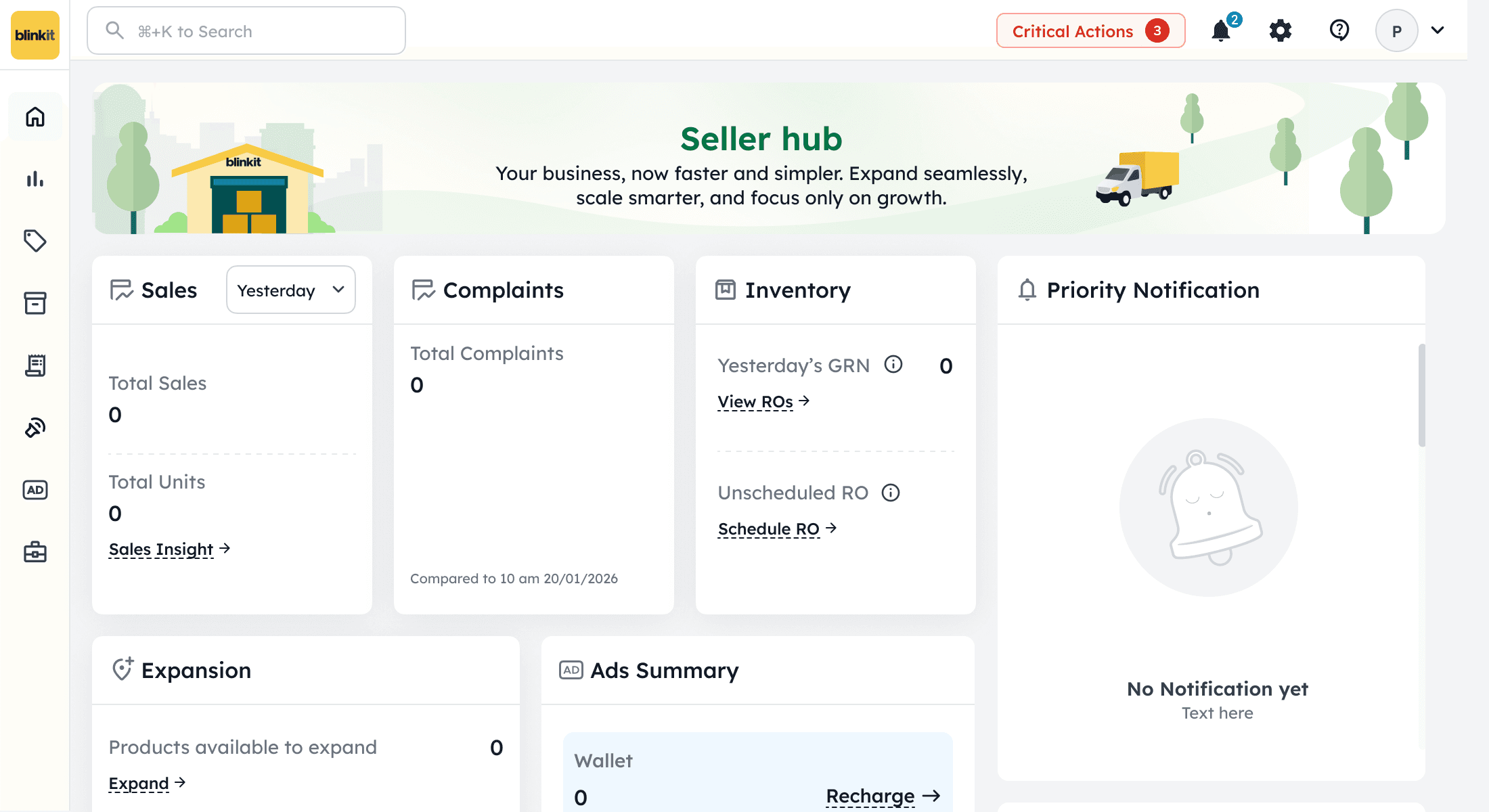
Urgent actions
Get started
Critical actions
2 Blocker Actions
Blocker items disable all actions. Resolve them on priority to proceed.
Return shipping address
Select default return address for all warehouses:
234, Sector 12, Industrial Area, Faridabad, Haryana..
Cancel
Submit
Do you want to set return addresses at the warehouse level?
Go to location
Inventory recall failure
Inventory recall failure. Please take action to avoid inventory liquidation.
3 Actions
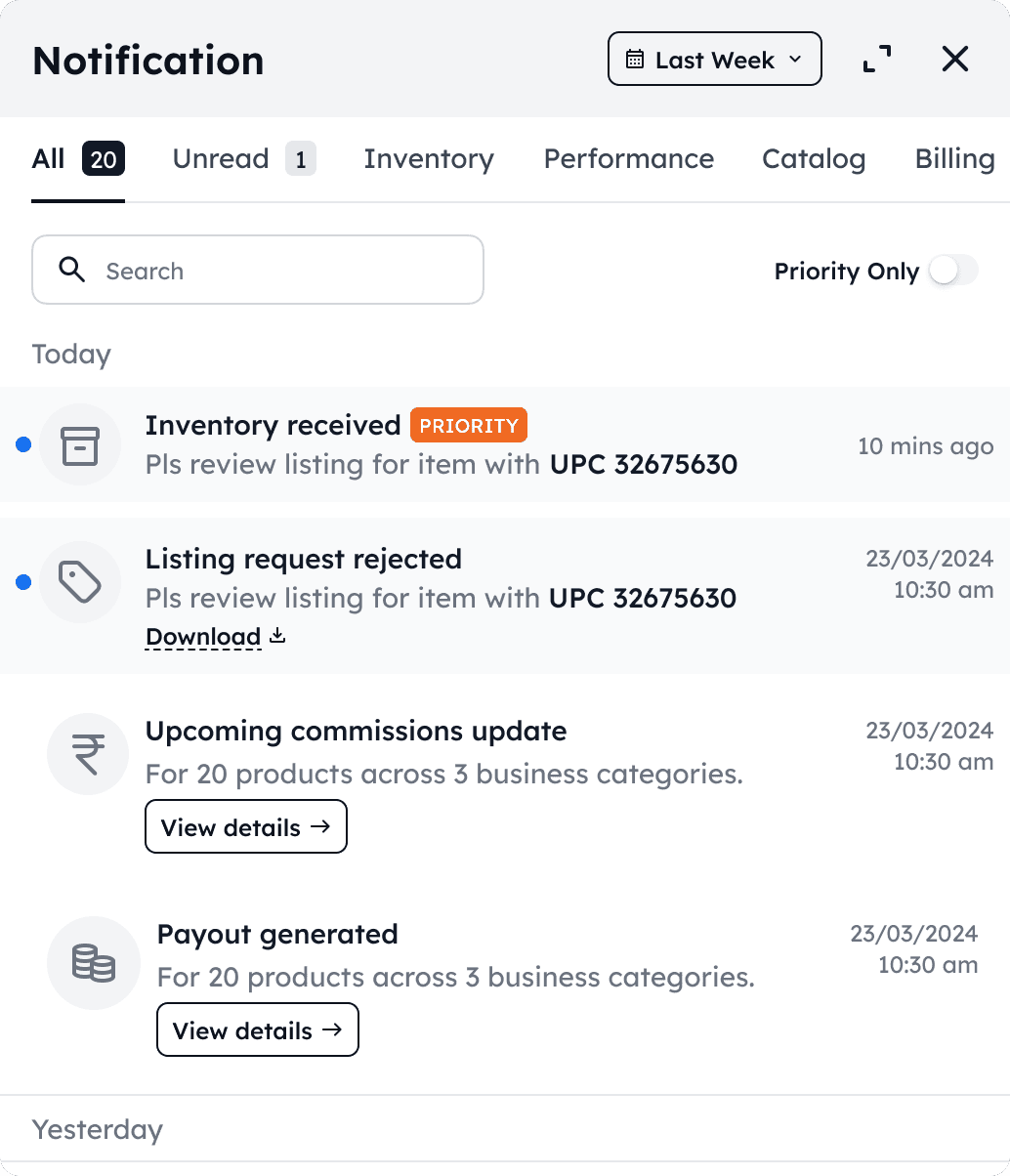
Global Visibility & Discoverability
Expandable on demand
Cognitive Load Control
Reduce noise by letting users filter by intent instead of hunting
Distinguish urgent vs informational alerts
Communicate “something needs attention” without modal spam
Action oriented notification
Business Impact
Quicker action on rejections / compliance issues
Timely payment & settlement awareness
Reduced support dependency (“system already told me”)
One glance at top right = system health check
Non - Closable in case of business impacting block actions
Progressive disclosure
System-as-Partner Feeling:
We are watching your operations and surfacing risks before they hurt your business
Get started
New tab
The Product Expansion tab gives you better control over where you want to sell and expand your product.
1 of 1
Finish
Coachmarking
Business Impact
Builds Trust in Platform Self-Serve Capability
Lowers Dependency on Key Account Managers
Deflects Basic Queries from Help & Support
Reducing cognitive load, accelerating activation
Get started
STEP 1
List select cluster & activate your products
Add product details
Add product descriptions, attributes, images and
videos that will be shown to customers on the Blinkit
app.
Pay ₹0 ₹25,000
Select your launch cluster and pay ₹0 ₹25,000 to
activate, the full amount will be credited to your
Blinkit Ads Wallet, which you can use to promote
any of your products on the platform
Go to Catalogue
STEP 2
Create your first RO
Create RO
Contextual Onboarding
Learn while in their real working environment.
Don’t lose context or feel “taken away” from their business view.
Clear Step-by-Step Progression
Guided launch assistant, not a tutorial — which is exactly what first-time sellers need.
By integrating coachmarks with the Get Started flow, the product becomes a virtual Key Account Manager by guiding users contextually